
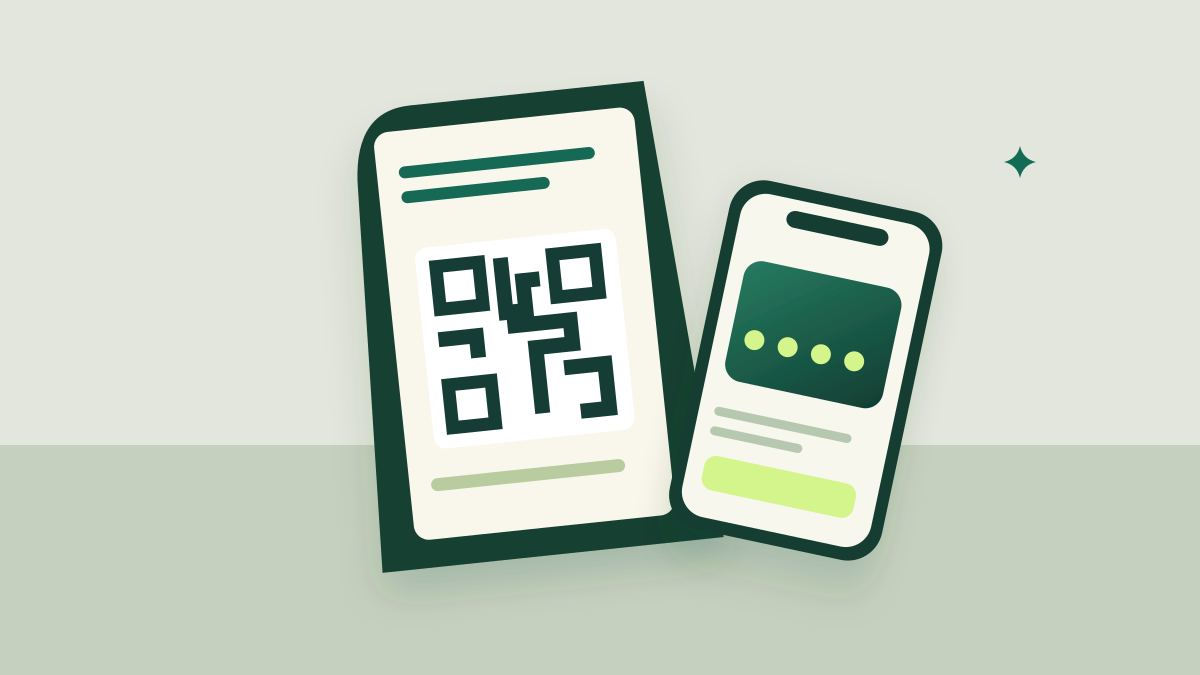
A QR code is a doorway, not a value proposition. Without knowing what is on the other side, customers face an extra task with no clear benefit. Your poster and the conversation at the counter should work together.
Lead with the benefit, then the QR and then the next step.
Make the benefit visible
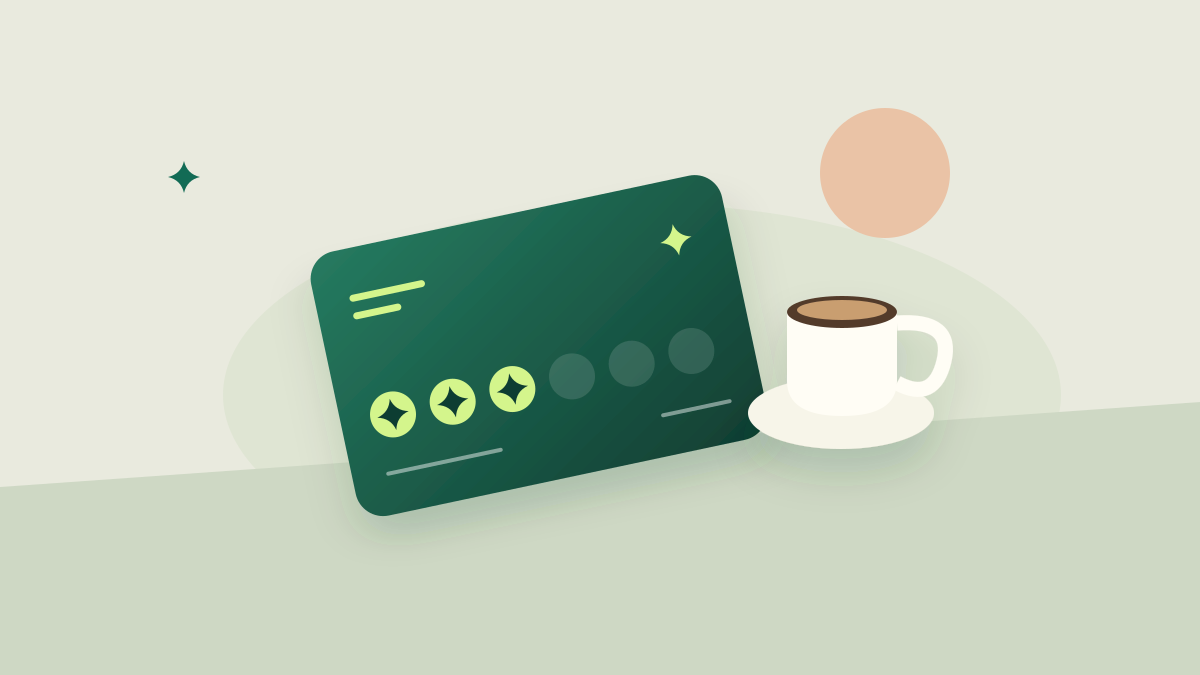
A poster should answer three questions: what can I get, what must I do and what happens after registration? “Scan to register” explains a task; “Eight stamps, one complimentary coffee” explains a journey. Show the actual reward, not a vague promise of benefits.
If you offer a welcome gift, state the quantity and the real condition. In Trivu public registration, customers confirm their email before receiving a card and its configured starting balance. Promising instant availability without that step sets the wrong expectation.
Design for distance and the camera
Place the poster where people can read it without interrupting service. Keep strong contrast for the QR and preserve clear space around it. Do not distort it, set it over a texture or bury it among decorative elements.
The appropriate size depends on viewing distance and printing conditions. Test the printed piece with more than one phone under actual counter lighting. Confirm that it opens the right card or event: a technically functioning QR can still point to the wrong program.
Keep registration brief and understandable
Explain why information is requested. Email lets people confirm membership and recover the card. A date of birth can activate a configured birthday benefit. A document number supports internal lookup when the business needs to identify a member; it should not appear on the poster or a public QR.
The form should display program conditions and consent choices before completion. A checkbox does not replace a clear explanation of who will use the information. Publishing private customer details or balances is unnecessary to demonstrate that a program exists.
Check the full journey after printing
Scan, complete the form, open the confirmation email and save the card link. Test with a phone that is not signed into the business account. Make sure staff can help someone who mistyped an email or lost their link.
Observe how many registrations lead to a first earning operation. Do not confuse registrations with scans: measuring conversion from the poster would also require counting form visits. Improve the invitation using information you actually have.
Make it yours.
- State the reward and its conditions.
- Test the printed QR at the actual distance.
- Check the program, language and confirmation email.
- Measure registrations and first earnings separately.
Published by Trivu. Examples are illustrative; available features depend on the plan and enabled integrations.
Create your first card ↗