

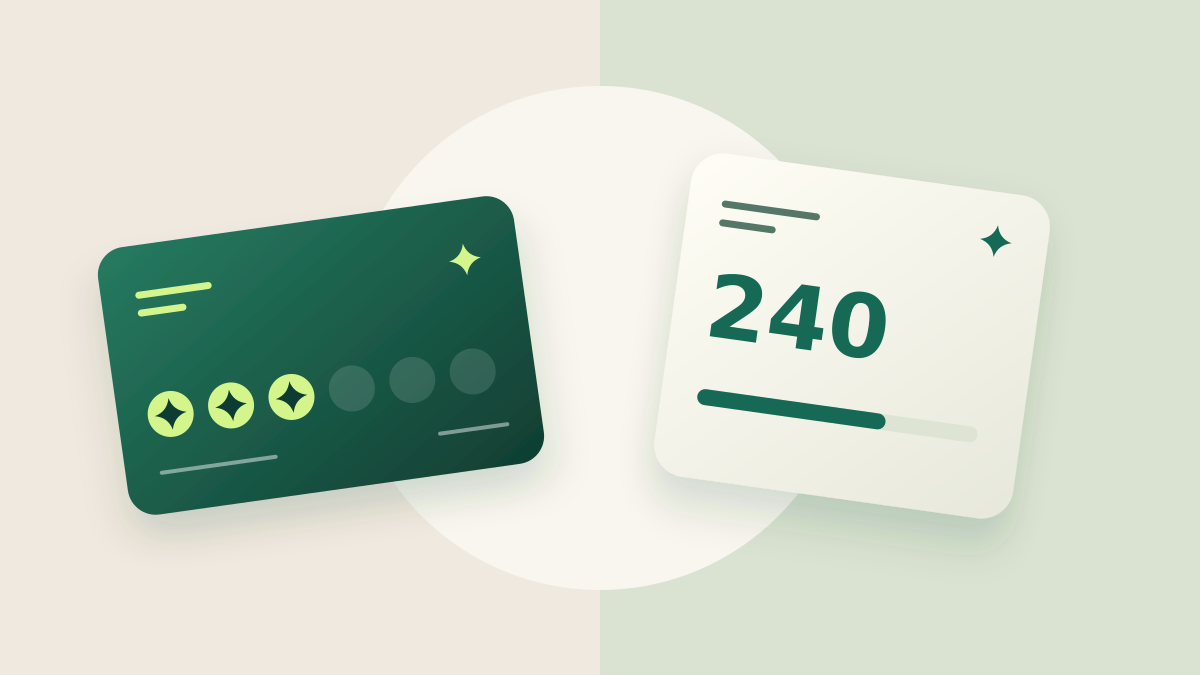
The best model is not the one with the most settings. It reflects how your customers buy and lets your team explain the reward without slowing the queue. Stamps and points solve different problems.
Use stamps for repeatable journeys; points when purchase value matters.
Stamps make the journey visible
Stamps work well when eligible visits are similar. An eight-space card shows the remaining journey without turning a purchase into a formula. It can suit repeated experiences such as drinks, classes or a clearly defined service.
Simplicity still needs a precise rule. Does one visit count, one purchased item or a minimum transaction? A visit with several products should not receive an arbitrary number of stamps depending on who serves the customer. Specify the unit your team confirms.
Points can recognize different purchase sizes
Points can represent purchase value or manually assigned quantities. If each $10 earns one point in whole increments per transaction, a $27 purchase earns two points. This example does not imply the remaining $7 carries into another purchase: explain whether your system accumulates fractions or calculates each transaction independently.
A reward catalog can unlock choices at different balances. Keep the balance and the cost of each reward visible. Explain whether redeeming deducts points or provides a benefit without consuming them; these are different customer journeys.
Compare effort, cost and perception
Customers care about the time to a reward and whether it is relevant. Businesses care about cost and recording effort. A points model with many product-specific rates needs more coordination than one rule based on purchase value.
Test the explanation with someone who did not design the program. If they ask what each number means, simplify the labels, units or conditions. Avoid calling points “money” unless they represent an actual monetary balance.
Configure the model and test the scanner
In Trivu, the program defines the earning rule. The scanner identifies the card and displays the appropriate controls to prepare an operation. Staff review the preview and confirm it; customers view their cards but cannot change the balance.
Before launch, simulate a realistic purchase, a reward and a balance correction. Keep a short instruction available to every location. Later rule changes should include a clear explanation for existing members.
Make it yours.
- Check whether transaction sizes are similar or variable.
- Define an eligible operation.
- Explain fractions and redemption deductions.
- Rehearse calculations and corrections with staff.
Published by Trivu. Examples are illustrative; available features depend on the plan and enabled integrations.
Create your first card ↗